
Files
Information on files
Visual Comparison
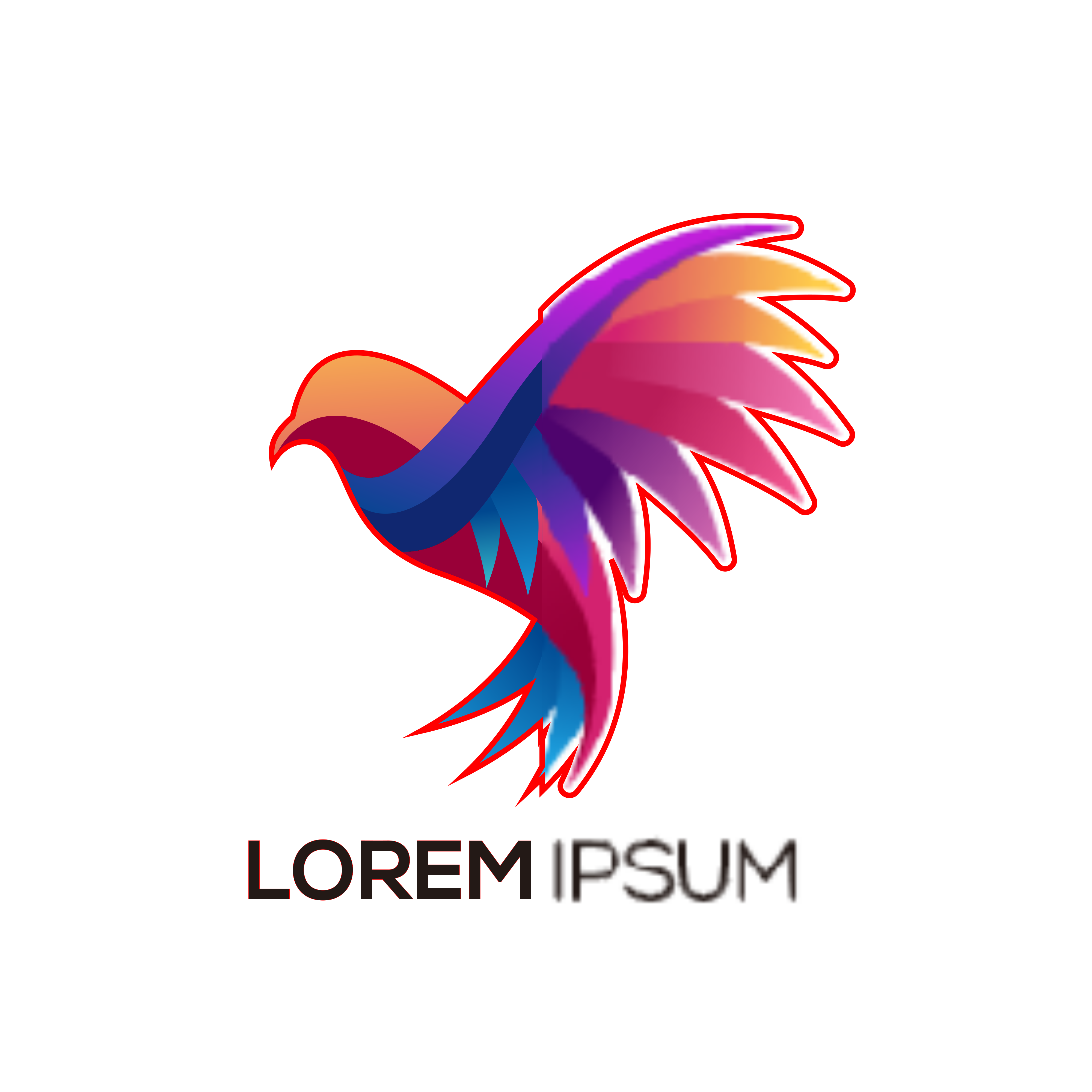
Zoom in to see the difference. The left half is a vector — infinitely sharp at any size. The right half is a raster — made of pixels, which become visible when scaled up.
Vector
Raster
Cut Lines
The red line is a cut line. Because the vector file has paths, we can use that path to cut precisely along the shape. A raster file is made up of pixels — there is no path to cut along, so we trace the image and offset the cut line instead.
Feature Comparison
| Feature | Vector | Raster |
|---|---|---|
| Supports transparency | ||
| Supports gradients | ||
| Keeps quality when scaled | ||
| Editable without loss | ||
| Smaller file size for simple graphics | ||
| Best for printing large format | ||
| Cut to shape | Requires Tracing | |
| Requires resolution setting | ||
| Best for photos | ||
| Common file formats | SVG, AI, EPS, PDF | JPG, PNG, BMP, GIF, TIFF |
Vector files can contain embedded raster images, but raster files cannot contain vector images. This means not all vector files are necessarily fully vectorised.