
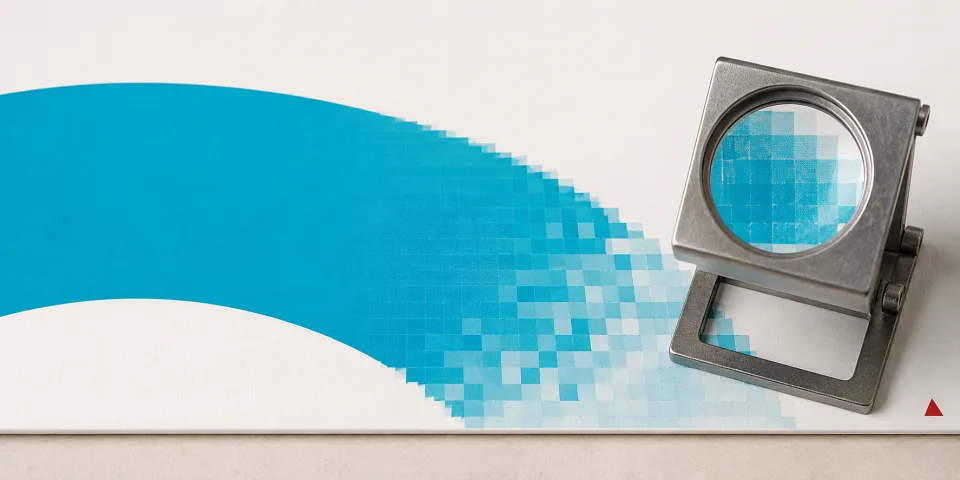
Blurs when enlarged
Most generated images are raster files. At vehicle or sign size, soft edges and visible pixels may appear. We check resolution at the final print size.
Artwork, files & AI
Vector files? We jammin. Unsure? We’ll check.
These formats can hold vectors or embedded pixel images.
Check my files
Open the option that fits. We’ll take it from there.

Send the original file and the size you need. We check the artwork inside.
Vectors are editable lines and shapes. Raster images are grids of pixels.
PDF, AI, EPS and SVG are vector-capable formats, rather than raster formats such as JPG or PNG. They can still contain embedded raster images. Saving a PNG in a PDF, or renaming it, doesn’t make it vector.
An embedded photo may print well at the right size. It still has a resolution limit and provides no cut path. Poor artwork can mean pixelated print and uneven cut lines.
“.ai” means Adobe Illustrator, not AI-generated.

There’s a good chance Canva text and shapes are vector. Uploaded photos, screenshots and logos may still be embedded raster images.
Share the editable design. A screenshot or PNG export loses the editable artwork.

A good raster image may work for full-colour print at your chosen size. A low-quality file may look soft or pixelated. We explain any trade-off before you agree.
Cut vinyl needs clean, closed vector paths. Send the original flat artwork if you can: photos of vans, signs or uniforms include perspective, shadows and reflections.
For small print, 300 dpi at final size is a useful target. Large-format work depends on size and viewing distance. Send your file and the size you need, and we’ll check it.
If the original is missing, we may need to redraw it. You can ask your designer for the file first.
Before we print: we check quality at the finished size. Poor files may pixelate or cut unevenly. AI mock-ups are references. Any extra artwork costs are agreed first.
Logo redraws from £74.99
PNG supplied · Vector files not supplied
Just the topic you need. All the detail is here.
We know this isn’t simple. We wish it was.
Ask your designer, or share your Canva file. Original vectors are the easiest route to the best result.
A good image may print well at the right size; some quality may be lost. We check it and explain the compromise. Cut vinyl still needs suitable vector paths.
We can redraw it, or you can use your own graphic designer. Logo redraws start at £74.99. We confirm costs before starting.
Our redraw price is subsidised to help secure the print work. Logos are manually redrawn. We prepare the production artwork for your job; you receive a PNG at 96dpi, 1000 × 1000 pixels, not the vector files.
If you need vector files to keep, you’re welcome to arrange a redraw with a graphic designer who supplies them.

AI tracing can make paths. It currently can’t reliably redraw your exact image as accurate, production-ready vectors.
If it were that easy, we’d do it ourselves.
Tracing follows blurry edges and compression too. It can distort lettering, miss details and create rough cut lines. Simple, clean artwork may trace well; we still check and clean up the result.
A similar-looking AI logo is not an exact redraw.
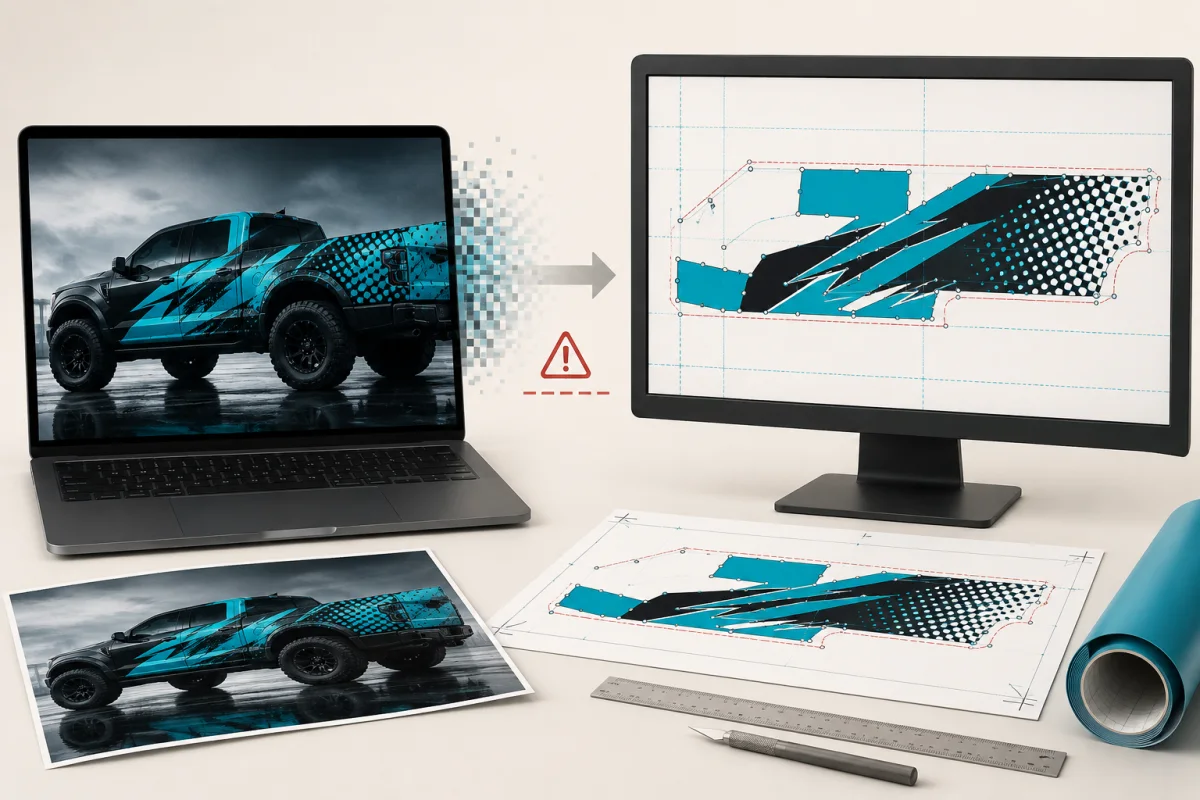
An AI-generated mock-up explains the look you want. It doesn’t provide exact artwork, reliable measurements or clean cut paths.
No production from unverified AI images alone.
We agree a design budget, rebuild what’s needed and send a proof before production. Check the spelling, phone numbers and details on your proof.
Most generated images are raster files. At vehicle or sign size, soft edges and visible pixels may appear. We check resolution at the final print size.
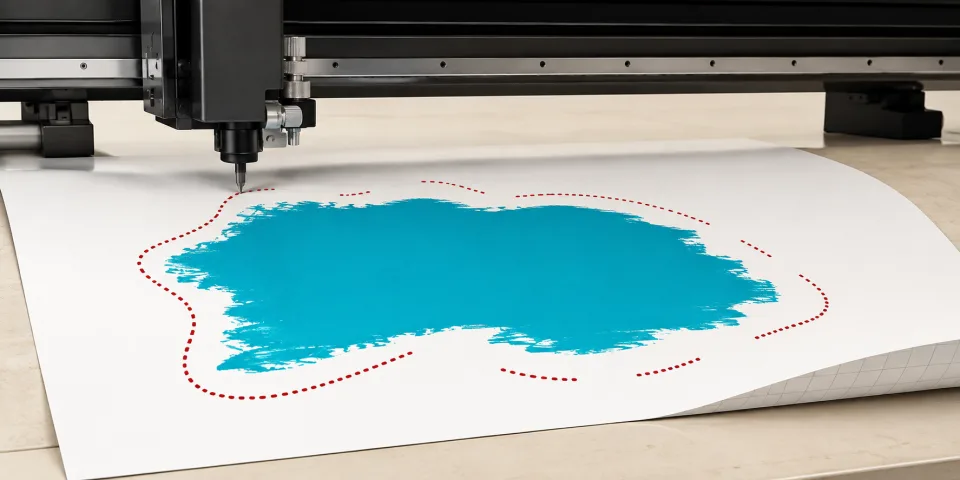
The cutter needs smooth, closed vector paths. A mock-up shows how an edge looks; tracing may still need manual correction.
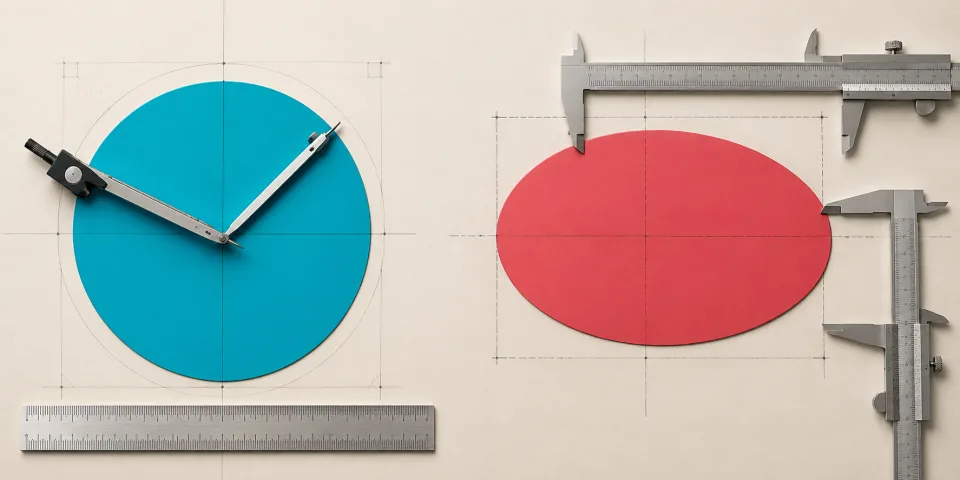
Circles, panel ratios and repeated shapes can change. We build to real measurements and templates.
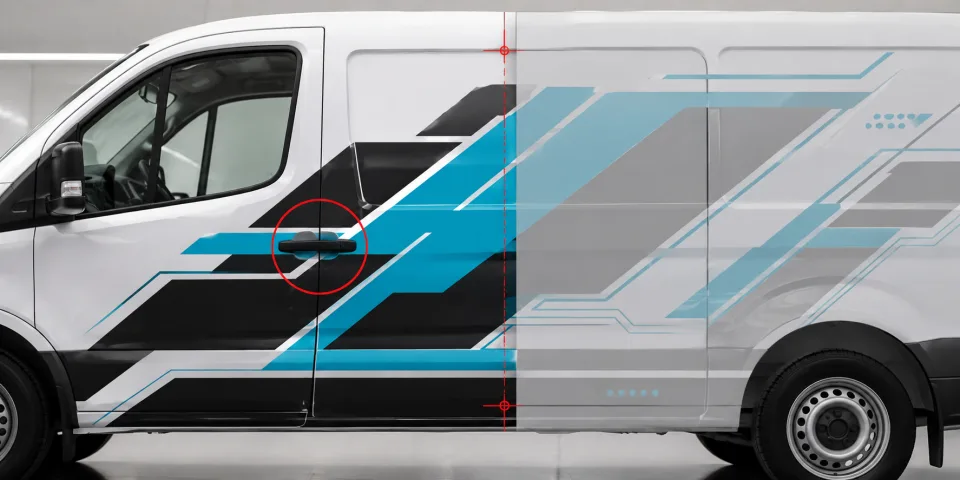
Handles, door seams, sliding rails, lights and wheel arches stay where the manufacturer put them. The graphics must account for every feature.
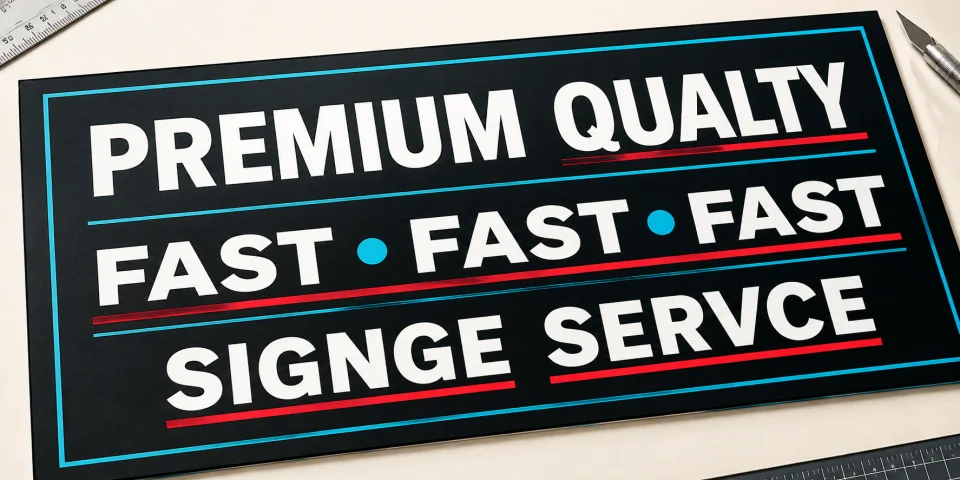
AI can misspell, repeat or alter wording. Supply exact text separately and check every detail on the proof.
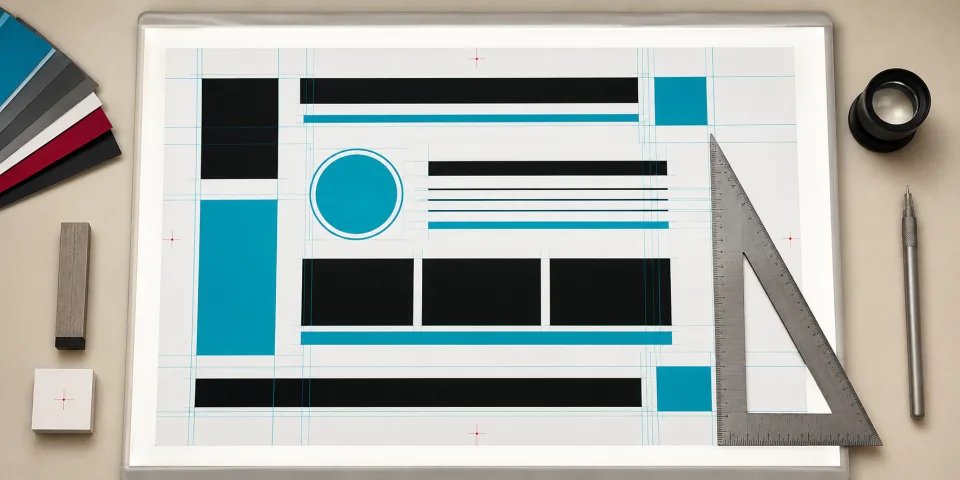
Repeated elements, baselines and gaps may drift. Production artwork needs deliberately aligned, editable objects.
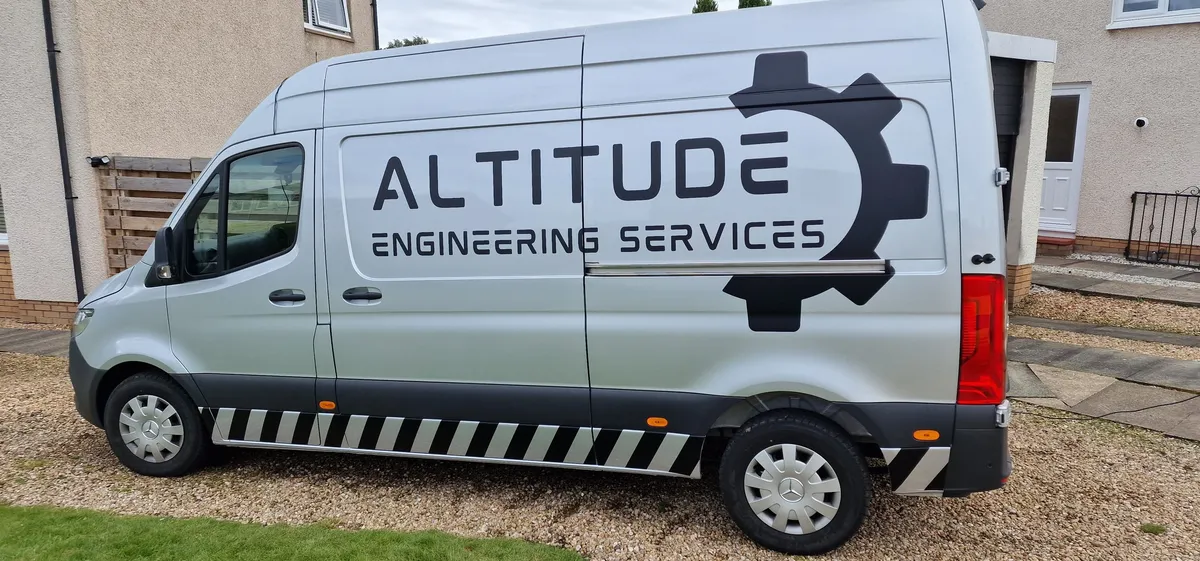
We check the actual vehicle, use to-scale templates and allow for contours, inset panels and the right material.
Still unsure? Send us what you have.
Check my filesMore on raster and vector artwork and Canva’s file formats. Suitability is checked for your specific job.